以应用交付连接商家需求 数字海洋(DigitalOcean)独立项目开启亚洲
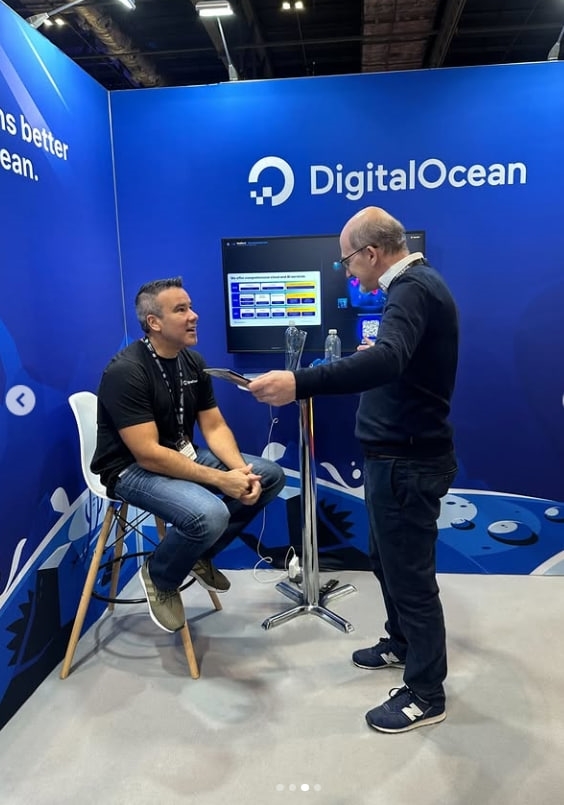
数字海洋(DigitalOcean)独立算力项目将于11月6日面向亚洲市场开放业务,以跨境电商商家的AI应用需求为切入点,提供GPU算力及配套技术服务,并设置众筹参与方式。亚洲业务
2026-11-06 22:42:01
第一次使用一个新平台,注册往往只是最简单的一步。
真正影响后续使用体验的,是用户有没有从官方入口进入、密码是否独立设置、安全验证是否开启,以及遇到异常提醒时能不能及时判断风险。很多账户问题并不是因为注册流程复杂,而是因为后续安全设置被忽略。
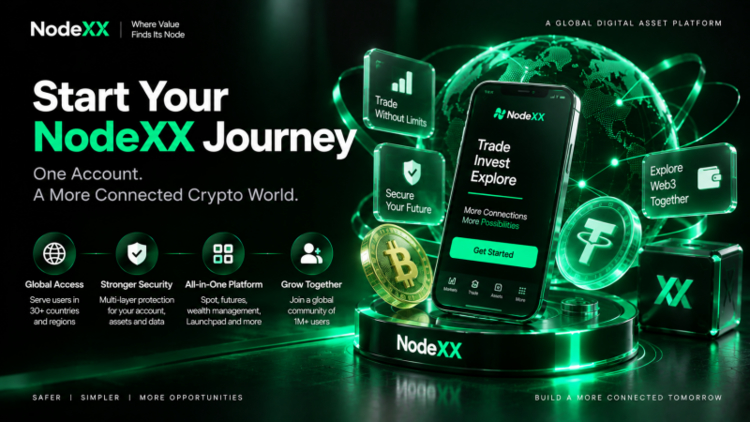
目前,NodeXX已服务全球100万+用户,覆盖30多个国家和地区。随着用户规模和服务范围不断扩大,平台也持续完善身份验证、账户保护、设备管理和异常行为识别等机制。
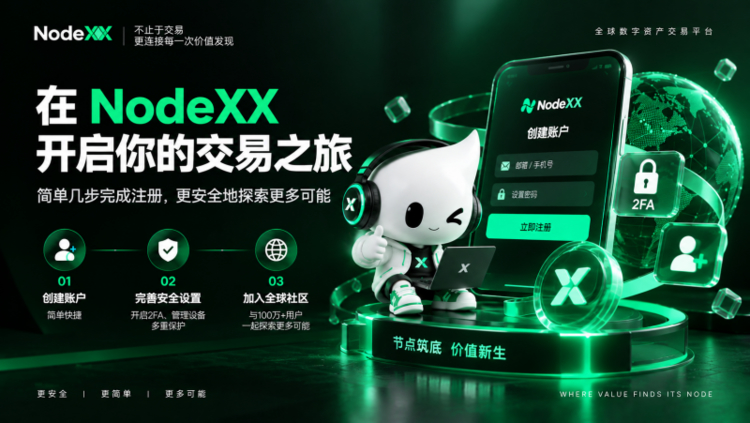
对于新用户来说,可以把整个过程理解为三件事:确认官方入口、完成账户创建、补齐安全设置。
注册前,先确认官方入口
创建账户之前,第一步不是填写信息,而是确认自己进入的是官方页面。
如今一些仿冒网站已经能够高度复制Logo、页面结构和登录界面,仅凭“看起来像官网”并不足以判断真假。网络安全中常见的 Typosquatting(域名仿冒),就是通过增加、删除或替换字符,让错误网址看起来和真实地址非常接近。
因此,如果页面来自陌生私信、群聊、二维码或其他无法确认来源的渠道,建议不要直接填写账户信息。更稳妥的方式,是重新通过NodeXX官方公布的入口访问平台,再进行后续操作。
尤其当页面要求输入密码、验证码或重新完成安全确认时,更应该先核对网址和信息来源。
NodeXX账户怎么创建?
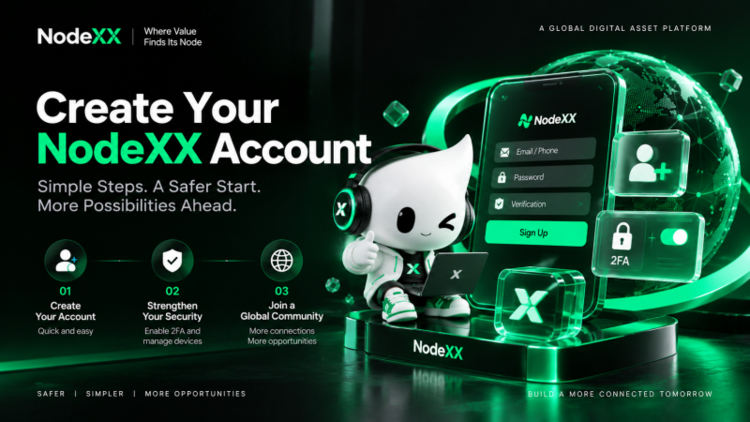
进入NodeXX官方页面后,根据注册页面提示填写所需信息,并完成对应验证,即可建立基础账户。
具体支持的注册方式、验证步骤和页面字段,应以NodeXX当前页面实际显示为准。
注册环节最容易被忽略的是密码设置。建议不要直接沿用邮箱、社交平台或其他常用账户的密码,而是为NodeXX单独设置一组登录密码。相比单纯追求字符复杂度,更重要的是密码长度足够、难以猜测,并且不要在多个平台重复使用。
完成注册后,也不建议立刻跳过安全设置。账户创建只是第一步,后续的身份验证、设备管理和登录保护,对长期使用同样重要。
注册完成后,建议先做好这些安全设置
首先可以关注 2FA(Two-Factor Authentication,双重身份验证)。
它的作用是在密码之外增加第二层身份确认。即使密码意外泄露,没有第二重验证信息,其他人也更难直接进入账户。
其次是登录设备管理。如果账户页面提供设备列表、登录记录或异常登录提醒,可以定期检查是否出现无法识别的设备。更换手机、电脑或网络环境后触发额外验证,也属于常见的安全确认机制。
NodeXX的账户保护还包括身份验证、权限管理和异常行为识别等环节。它们的作用不是增加操作复杂度,而是在账户环境发生明显变化时,多增加一道核验步骤。
需要特别注意的是:密码、短信验证码、邮箱验证码和2FA动态码都属于敏感信息。即使对方自称客服,也不应通过私聊直接提供。
身份认证什么时候需要完成?
注册账户和身份认证并不是同一个步骤。
注册解决的是“建立账户”,身份认证则用于进一步确认账户使用者身份。
NodeXX面向不同国家和地区提供服务,因此不同功能、服务场景或地区可能对应不同的身份认证要求。是否需要完成认证、需要提供哪些资料,以及后续可使用哪些功能,应以账户页面实际提示为准。
认证过程中,通常需要保证提交的信息真实、清晰且一致。比如证件图片模糊、填写信息与证件不一致,或者证件超出有效期,都可能影响审核进度。
如果页面提示补充资料,按照实际要求重新提交即可,不建议通过非官方渠道寻找所谓“快速处理”方式。
注册和使用中遇到问题怎么办?
如果长时间收不到验证码,可以先检查联系方式是否填写正确,同时查看垃圾邮件、短信拦截和网络状态。短时间内频繁重复发送,也可能影响正常接收。
如果忘记密码,应优先使用官方页面提供的找回流程,不要通过搜索结果中的陌生页面进行重置。修改密码后,也可以顺便检查近期登录设备和安全设置。
如果更换手机或电脑后出现额外验证,通常是系统重新确认账户环境,按照官方页面提示完成即可。
如果收到“账户异常”“需要立即验证”之类的陌生私信,不要直接点击其中链接。建议先停止当前操作,从官方入口重新进入账户,确认是否真的存在相同通知。
注册只是开始,账户安全更值得长期关注
NodeXX注册流程本身并不复杂,真正决定后续体验的,是账户基础设置是否完整,以及用户是否养成稳定的安全习惯。
目前,NodeXX已服务全球100万+用户,覆盖30多个国家和地区。用户规模越大,设备环境、使用习惯和服务场景也会更加多样,因此平台需要持续完善安全机制,用户也需要保护好自己的账户信息。
对于新用户来说,可以始终记住三个原则:
确认官方入口再操作,敏感信息不向他人提供,异常情况优先通过官方渠道核实。
把这三件事做好,比单纯追求注册速度更重要。
关于NodeXX
成立于2024年7月,NodeXX是面向全球用户的人工智能服务平台,以智能助手与自动化能力为核心,覆盖信息理解、任务执行与知识整理等场景,致力于打造连接用户与智能能力的重要节点。平台以快速、稳定和智能为核心体验,并通过 AI 与协作能力,帮助用户更高效地完成任务并理解信息。更多详情,请访问: 官网 | Twitter | Telegram
EN
How to Register for NodeXX: Account Setup, Security Settings, and Common Questions
When using a new platform for the first time, registration is often the easiest part.
What really affects the experience that follows is whether users enter through the official channel, use a unique password, enable security verification, and know how to identify risks when abnormal alerts appear. Many account-related issues do not happen because the registration process is complicated, but because important security settings are overlooked afterward.
NodeXX currently serves more than1 million users worldwideacross30+ countries and regions. As its user base and service coverage continue to grow, the platform is also strengthening mechanisms such as identity verification, account protection, device management, and abnormal behavior detection.
For new users, the overall process can be understood in three steps:confirm the official entry point, create the account, and complete the essential security settings.
Before Registering, Confirm the Official Entry Point
Before creating an account, the first step is not entering personal information. It is making sure you are on the official page.
Some fake websites can now closely copy logos, page layouts, and login interfaces, so simply “looking official” is no longer enough to determine whether a page is legitimate. One common cybersecurity technique is typosquatting, where attackers add, remove, or replace characters so that a fraudulent address looks very similar to the real one.
If a page comes from an unfamiliar direct message, group chat, QR code, or another source that cannot be verified, it is safer not to enter account information directly. A better approach is to reopen the platform through an official NodeXX channel and continue from there.
This is especially important when a page asks for a password, verification code, or additional security confirmation.
How Do You Create a NodeXX Account?
After entering the official NodeXX page, users can follow the registration instructions, provide the required information, and complete the relevant verification steps to create a basic account.
The specific registration methods, verification process, and required fields should always follow what is currently shown on the NodeXX platform.
One of the most overlooked parts of registration is password setup.
It is recommended not to reuse passwords from email, social media, or other frequently used accounts. Instead, create a separate password specifically for NodeXX. Rather than focusing only on complicated character combinations, what matters more is that the password is sufficiently long, difficult to guess, and not reused across multiple platforms.
After registration is complete, users should also avoid skipping security settings. Creating the account is only the first step. Identity verification, device management, and login protection are equally important for long-term use.
Security Settings to Complete After Registration
One important feature to consider is 2FA (Two-Factor Authentication).
2FA adds a second layer of identity verification beyond the password. Even if the password is accidentally exposed, it becomes more difficult for someone else to access the account without the second authentication factor.
Users should also pay attention to login device management.
If the account page provides device lists, login records, or abnormal login alerts, it is useful to review them regularly for unfamiliar devices. Additional verification after changing phones, computers, or network environments is also a common security measure used to confirm the account owner.
NodeXX account protection also includes identity verification, permission management, and abnormal behavior detection. These measures are not intended to make the process more complicated. Their purpose is to add additional checks when the account environment changes significantly.
One point is especially important:passwords, SMS verification codes, email verification codes, and 2FA codes are sensitive information. They should not be shared through private messages, even if the other person claims to be customer support.
When Is Identity Verification Required?
Account registration and identity verification are not the same step.
Registration is about creating an account, while identity verification is used to further confirm who is using it.
NodeXX provides services across different countries and regions, so different features, service scenarios, or jurisdictions may have different identity verification requirements. Whether verification is required, what documents need to be submitted, and which functions become available afterward should be based on the instructions shown on the account page.
During verification, the information submitted should generally be accurate, clear, and consistent. Blurry document images, mismatched information, or expired identification documents may affect the review process.
If the page requests additional information, users should follow the official instructions and resubmit the required materials. It is not recommended to use unofficial channels that claim to offer “fast-track verification.”
What If You Encounter Problems During Registration or Use?
If a verification code does not arrive for an extended period, first check whether the contact information was entered correctly. It is also worth checking spam folders, SMS filtering settings, and network conditions. Repeatedly requesting codes within a short period may also affect delivery.
If you forget your password, use the official password recovery process provided on the platform. Avoid resetting passwords through unfamiliar pages found in search results. After changing the password, it is also a good idea to review recent login devices and security settings.
If additional verification appears after switching to a new phone or computer, this is usually the system rechecking the account environment. Follow the instructions shown on the official page.
If you receive an unfamiliar private message saying that your “account is abnormal” or that “immediate verification is required,” do not click the link directly. Stop the current operation, re-enter through the official NodeXX channel, and confirm whether the same notification actually exists in the account.
Registration Is Only the Beginning — Account Security Matters More Over Time
The NodeXX registration process itself is relatively straightforward. What has a greater impact on long-term use is whether the basic account settings are complete and whether users maintain consistent security habits.
NodeXX currently serves more than1 million users worldwideacross30+ countries and regions. As the user base grows, device environments, usage patterns, and service scenarios naturally become more diverse. That means the platform needs to keep improving its security mechanisms, while users also need to protect their own account information.
For new users, three principles are worth remembering:
Use official entry points, never share sensitive information with others, and verify abnormal situations through official channels first.
Getting these three things right is more important than simply trying to complete registration as quickly as possible.
About NodeXX
Founded in July 2024, NodeXX is a next-generation AI platform built for global users. With intelligent assistants and automation at its core, NodeXX connects practical scenarios including information understanding, task execution, and knowledge organization. The platform provides integrated services across AI assistants, automated workflows, and knowledge tools, aiming to become an intelligent node that connects users with useful AI capabilities.Powered by fast, reliable, and intelligent infrastructure, NodeXX combines AI and collaboration capabilities to help users complete tasks, understand information, and access a more efficient working experience. For more information, please visit: Official Website | Twitter | Telegram